A headless CMS for your Astro blog.
Writers publish in Marble. Your Astro site loads posts into a content collection and renders them with your own layouts.
How it works
From draft to static page.
Marble stores and serves your content. Astro builds it into the pages, feeds, and layouts you already have.
- 1
Write in Marble
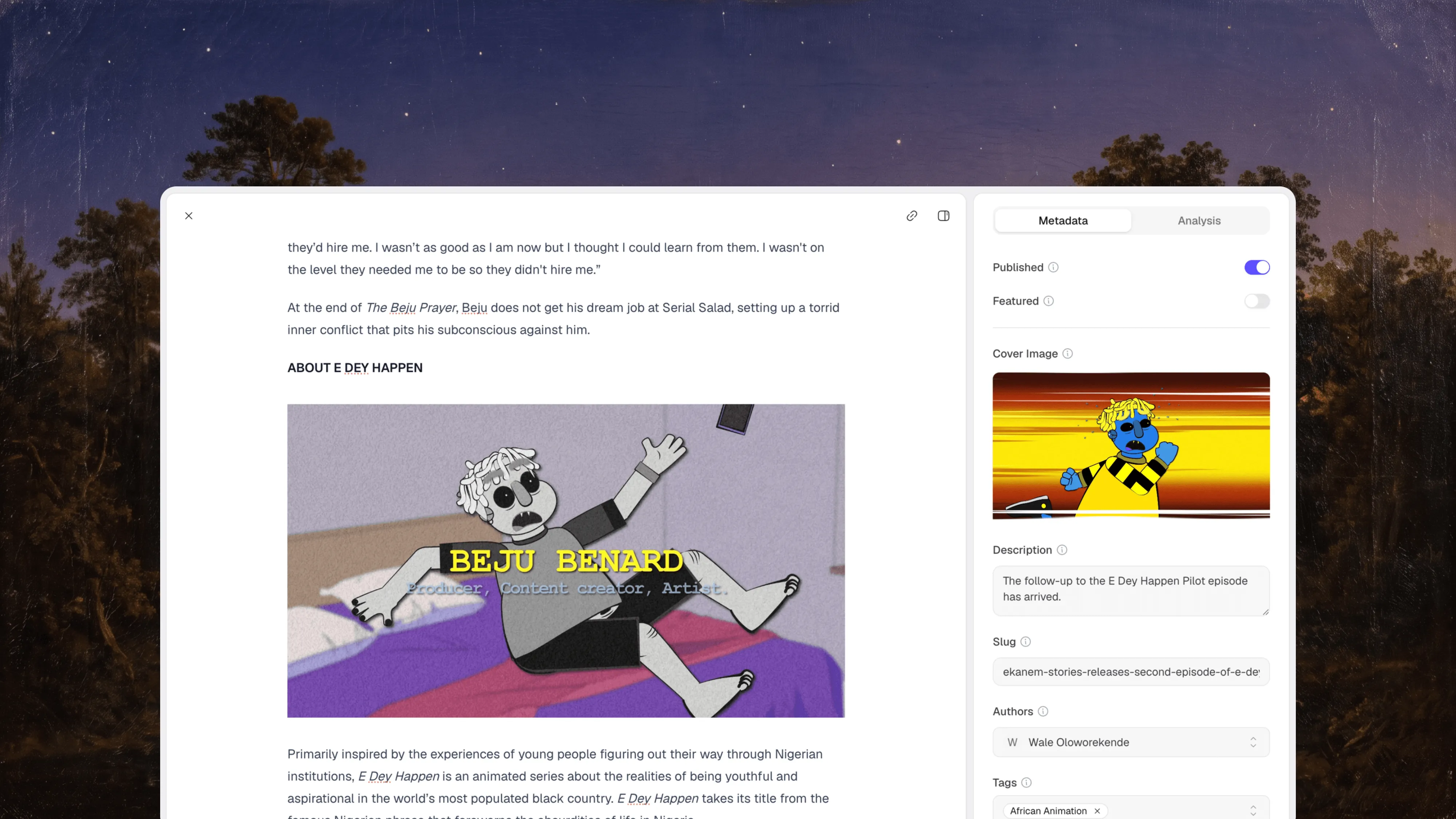
Draft posts with images, video, and embeds. Set the slug, description, cover image, authors, category, and tags in the sidebar.
- 2
Load into a collection
A content loader calls the Marble SDK when Astro builds your site and stores every published post in a collection.
- 3
Render with getCollection()
Query posts like any other collection and render the sanitized HTML with set:html inside your own layouts.
- 4
Rebuild on publish
Point a Marble webhook at your host's deploy hook so a new build starts whenever a post changes.
This website is an Astro site too. Its blog, changelog, and RSS feed are loaded from Marble with a content collection loader.
Integration
One loader, then Astro as usual.
Install the Marble SDK and define a collection whose loader fetches your posts. Your pages query it with getCollection() and render the HTML with set:html.
Static sites pick up new posts on their next build, so add your host's deploy hook as a Marble webhook for post events. Pages rendered on demand fetch on each request instead; cache them where you can, since uncached requests count toward your plan.
import { defineCollection } from "astro:content";
import { Marble } from "@usemarble/sdk";

const marble = new Marble({
  apiKey: import.meta.env.MARBLE_API_KEY,
});

const posts = defineCollection({
  loader: async () => {
    const pages = await marble.posts.list({ limit: 100 });
    const posts = [];

    for await (const page of pages) {
      posts.push(...page.result.posts);
    }

    return posts;
  },
});

export const collections = { posts };
Built to fit the Astro content layer.
Typed SDK
@usemarble/sdk includes TypeScript types for posts, authors, categories, and tags. Add a schema to your collection to type post.data.
SDK referenceImages from Marble's CDN
Uploads get stable CDN URLs. Authorize Marble's media domains in image.domains to optimize cover images with Astro's Image component.
Media docsCategories for routing
Each post has exactly one category, so routes such as /blog/[category]/[slug] map cleanly. Use tags for everything else.
Content modelRSS from the same collection
Feed getCollection() into @astrojs/rss to publish a feed. This site builds its RSS feed from Marble posts that way.
View our feedCustom fields
Add typed fields such as a date, a select, or a rich text summary to your posts without changing your CMS code.
Custom fieldsMCP for AI agents
Let Codex, Claude Code, Cursor, or VS Code find, draft, and update posts in your workspace through scoped tools.
Marble MCP
Do you need a CMS for your Astro site?
Not always. Astro's content collections can load Markdown and MDX straight from your repository, and Astro's CMS guide covers other options.
Marble is a good fit when
- People who don't use Git need to write, edit, and publish.
- You want drafts, authors, categories, and a media library that live outside your codebase.
- The same posts should appear on more than one site or app.
- You want a hosted editor instead of maintaining an admin inside your Astro project.
Something else fits better when
- Only developers write, and Markdown files in the repository already work.
- You want edits committed back to your repository as files. A Git-based CMS does that; Marble stores content in its own database.
- You need custom content types or a page builder. See Marble vs Sanity.
- You rely on scheduled publishing or several people editing the same post at once. Marble doesn't offer either yet.
Go deeper.
The guide and template are the full reference for this integration.
- Astro integration guideInstall the SDK, define the collection, and add routes.
- Astro blog templateA complete example with tag pages, RSS, and a post layout.
- How to build a blog with Astro and a headless CMSA longer walkthrough on the Marble blog.
Using a different framework? See Marble for Next.js or how Marble works as a headless CMS.
Frequently asked questions
Common questions about using Marble with Astro.
Does Marble work with Astro content collections?
Yes. Define a collection with a loader that calls the Marble SDK, then query posts with getCollection() and getStaticPaths() like any other collection.
Will my site update when I publish a post?
A static Astro site shows new content after its next build. Create a deploy hook with your hosting provider and add it as a Marble webhook for post events, so each publish starts a build. Pages rendered on demand fetch the latest content on each request.
Are collection entries typed?
The SDK is fully typed, but Astro types collection entries from a schema. Add a Zod schema to the collection if you want typed post.data in your pages; the Astro example includes one.
Can I use Marble with on-demand rendering?
Yes. With a server adapter, call the SDK in a page's frontmatter and set export const prerender = false. Cache responses where you can, because each uncached request counts toward your plan's API requests.
Why not keep Markdown files in my repository?
If only developers write, Markdown in the repository is often enough. Marble helps when writers shouldn't need Git, when you want drafts, authors, and a media library outside the codebase, or when several sites share the same content.
Is there an Astro starter I can clone?
Yes. The Astro example includes post pages, tag pages, and an RSS feed.
Give your Astro site a CMS.
Create a workspace, publish your first post, and load it into a content collection with an API key.